Month
January
2026
MTWTFSS
12345678910111213141516171819202122232425262728293031
HomeYearNotesPrevNext

For shops that design their own planners
Upload a PDF from Canva, Keynote, or Procreate. Draw the tabs once. Download a planner that opens on the right day.
Tap any date
Draw the calendar once. Folory numbers the cells and points each one at its day page, for every month you include.

How it works
The file you already exported. One page for the month, one for the week, one for the day.
Cover, year, month, week, day, notes. Folory repeats the first of each.
A calendar grid, the month buttons, previous and next. They follow every copy.
Dates stamped, links written, ready to open on an iPad.
The pencil stays in your hand. The thousand taps do not.
Scroll the page
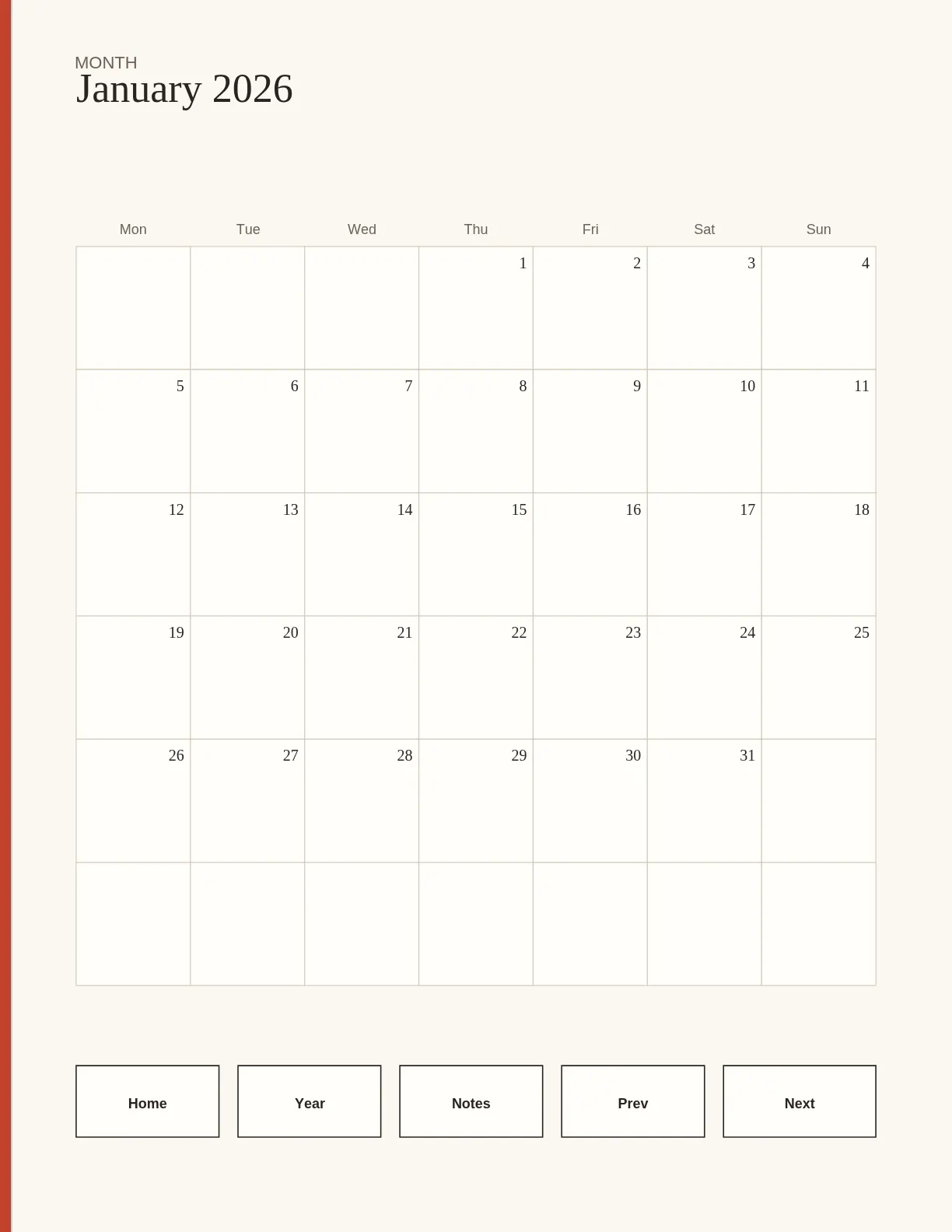
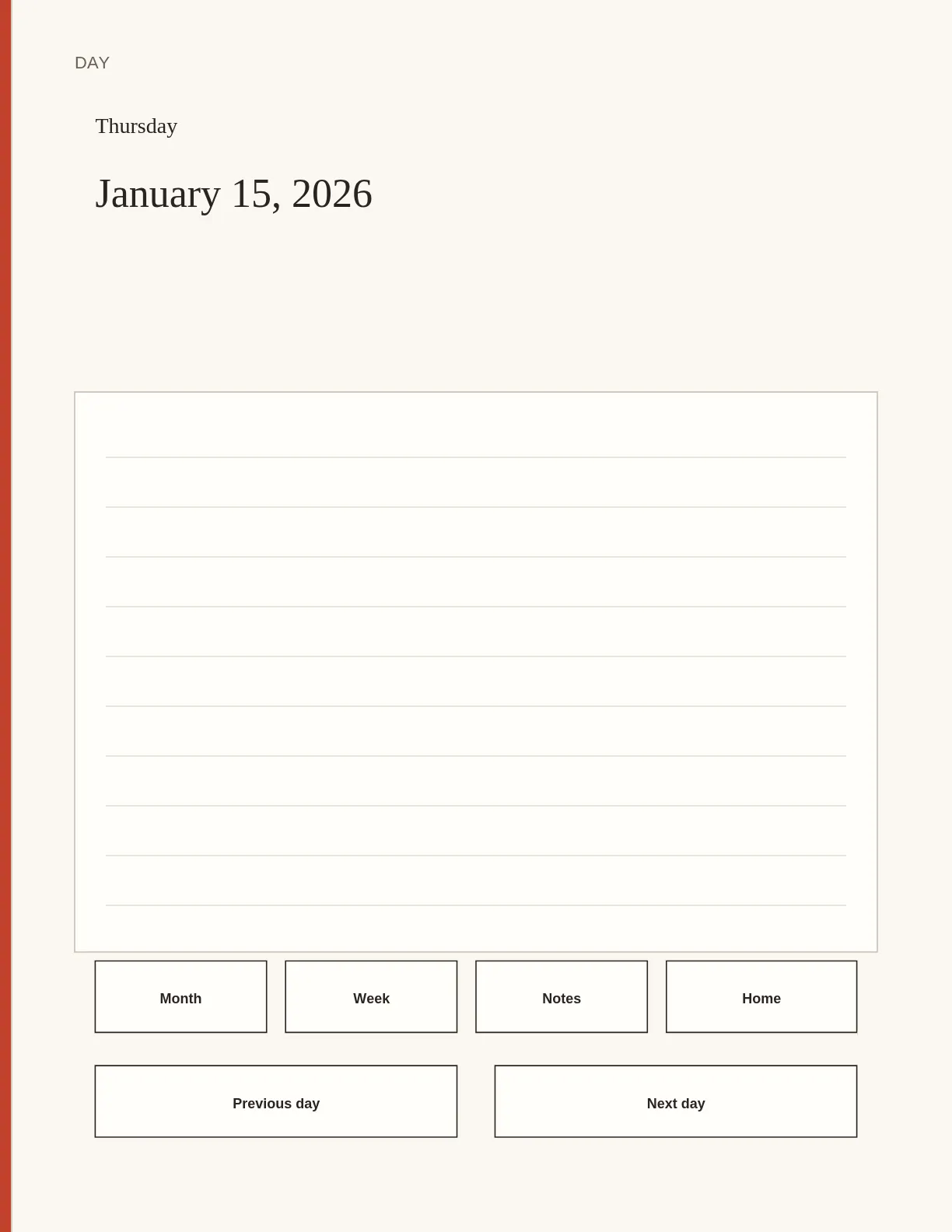
These two pages were exported by Folory from the Field Notes sample. January on one side. Thursday the 15th on the other.
Before and after
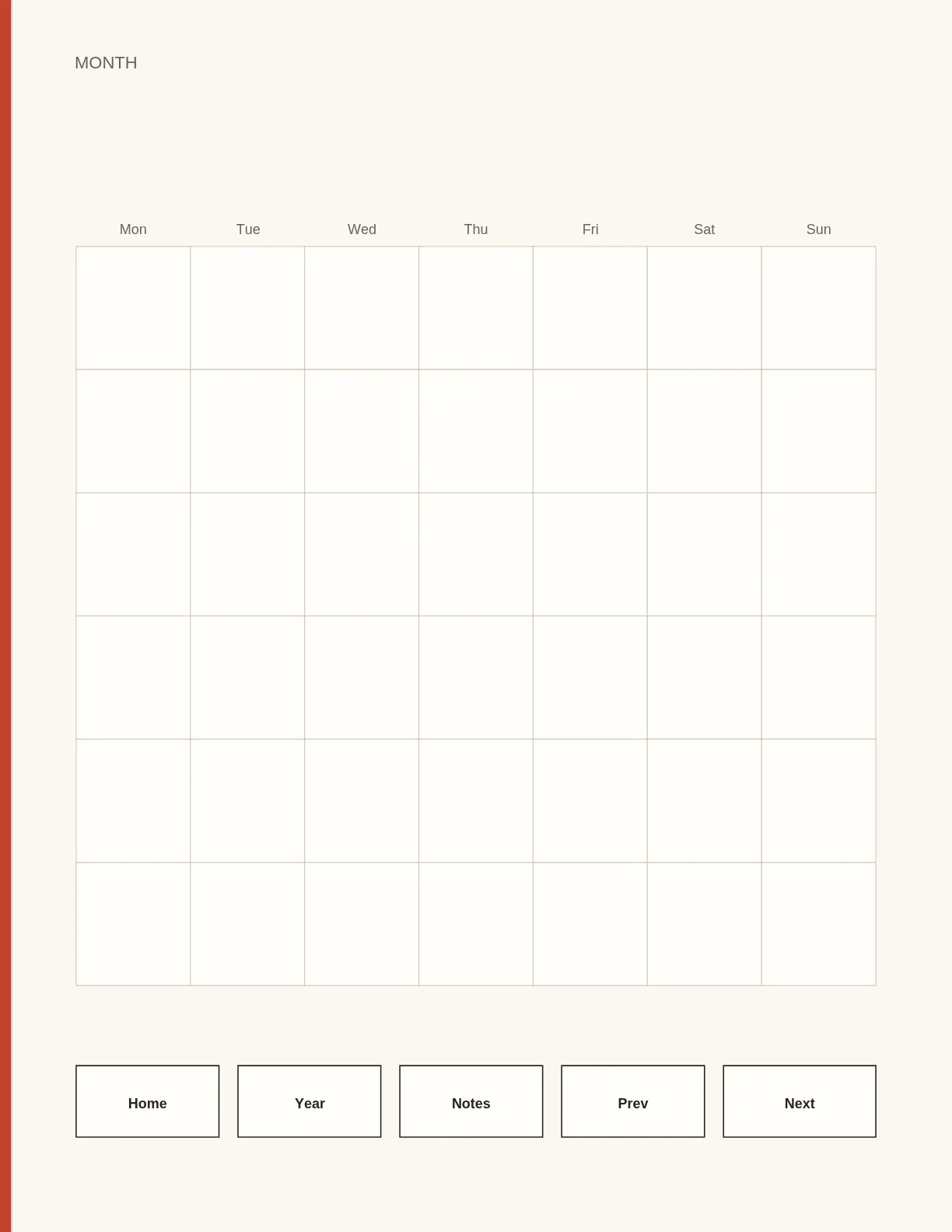
Left is the template you upload. Right is the same grid after Folory stamps January and wires the tabs.
Directions

From a real export
Your PDF, in the browser. Files stay on the device. $12 a month or $79 a year, once checkout is open.
A desktop app for Mac and Windows. $79 once, or a $9 a month academy. Reviewers mention the learning curve.
You design inside their editor. $99.99 to $499 a year. Useful if you want their templates, not yours.
Competitor prices are from their public pages as of 1 November 2026.
Pricing
$0
$79 / year
or $12 a month
Opens with Stripe. Join the list below.
Exclusive
$99
50 seats, once
The circle opens when checkout does.
No. The PDF is read, dated, and linked in your browser. Projects stay in this browser. A server is involved only if you join the waitlist or pay, and even then it never receives the file.
Folory writes standard PDF link annotations with a GoTo action to a page in the same file. GoodNotes, Notability, Noteshelf, and Xodo follow that kind of link. Run the checker, then tap a day on the tablet you name in the listing.
No. Export a PDF of the template pages from Canva, Keynote, Affinity, or Procreate. Tag each one, draw the tabs and the calendar once, and Folory repeats them across the year.
One project on this browser, exports up to 48 pages (a full month), a small Folory line, and the link checker. Pro removes the cap and the line.